

Next Generation WordPress Plugins
Premium plugins crafted by Magna Web Studios — AI-powered, Gold Series quality, built for professionals who demand the best.
Our Plugin Ecosystem
12 premium plugins across 4 tiers — from established Gold Series to cutting-edge Next Gen AI tools.

Confidence Talk
AI-Powered Confidence & Communication Coach
- Real-time speech analysis & feedback
- AI-powered confidence coaching sessions
- Progress tracking & personalized plans

House Design Pro
Professional Home Design & Visualization
- Interactive 3D floor plan viewer
- Material & finish selection system
- Client proposal & quote generation

StoryCraft Pro
AI-Assisted Story Creation & Management
- AI story generation & plot development
- Character & world-building tools
- Multi-format export (PDF, ePub, web)

Fabler Pro
Interactive Children's Story Platform
- Animated storybooks with narration
- Parent-managed reading progress
- Multi-language story library

Video Creator Pro
Professional Video Production Suite
- In-browser video recording & editing
- AI-powered auto-captioning & translation
- Video portfolio & client gallery

TutorHub Pro
Tutoring & Course Marketplace Platform
- Tutor profiles & booking system
- Live video session integration
- Course marketplace with pay-per-course

Express Entry Hub
Comprehensive Immigration Assessment System
- CRS score calculator & eligibility check
- Document management & submission tracking
- Immigration consultant integration
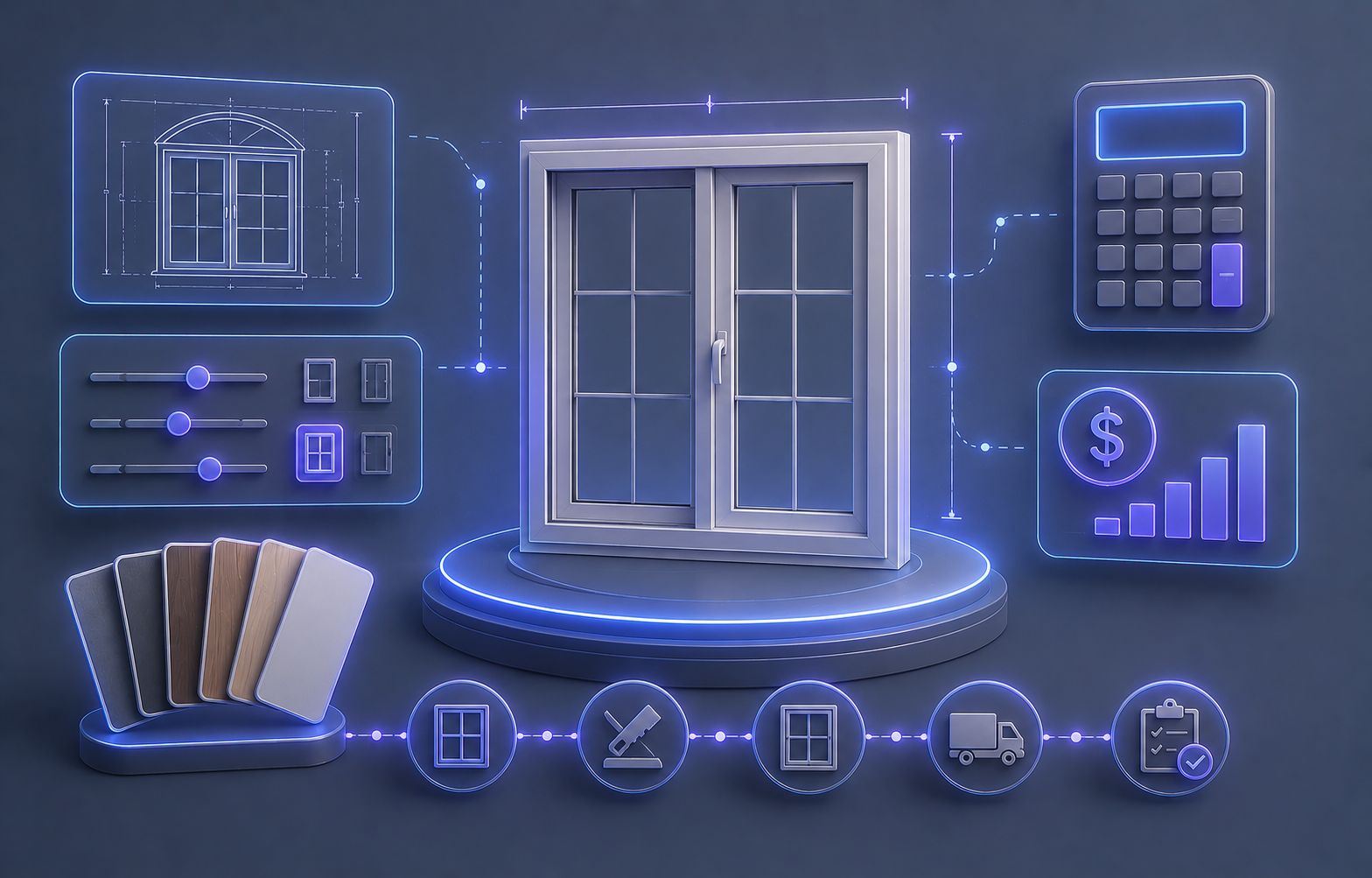
WindowFab Pro
Window Manufacturing & Quoting System
- Visual window configurator with real-time pricing
- Material & finish selection library
- Quote generation & order management
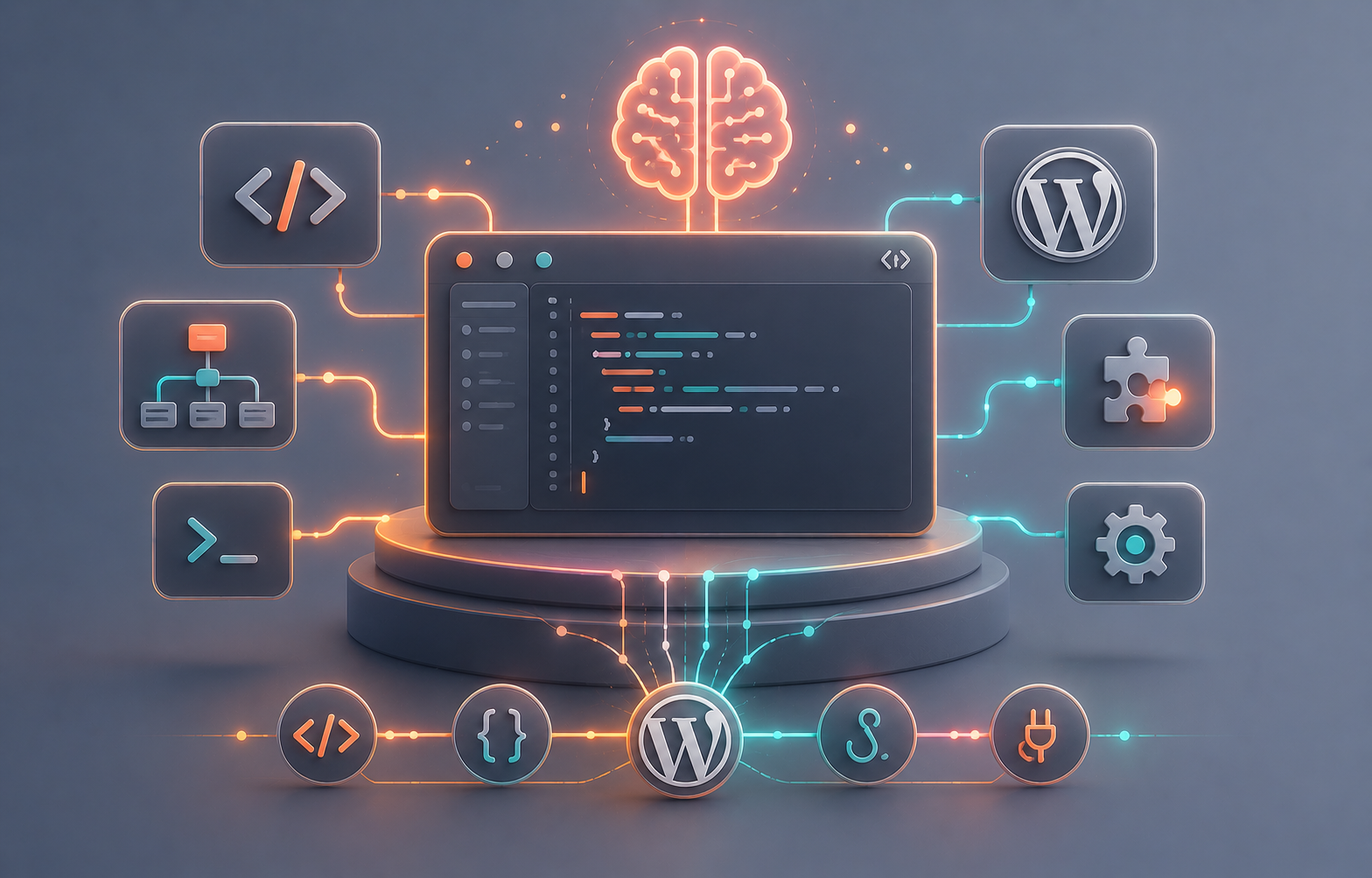
Magna AI Copilot
AI-Powered WordPress Development Assistant
- AI code generation for WordPress plugins
- Smart hook & filter suggestions
- Automated debugging & optimization

Magna AI Concierge
Intelligent AI Personal Assistant
- Natural language task management
- Smart scheduling & reminders
- Multi-channel notification system

Magna SpecMatrix AI
AI Specification & Requirement Matrix
- AI-powered spec analysis & comparison
- Requirement traceability matrix
- Automated compliance checking

Magna Site AI
AI-Powered Website Builder for WordPress
- AI generates complete sites from prompts
- Intelligent layout & content optimization
- One-click site deployment
Ready to Build Something Amazing?
Every plugin is built with the Gold Series standard — premium design, robust architecture, and next-generation AI integration. Start your journey with Magna Web Studios today.